Simplify Your Daily Standup
with Your Calendar
Automatically turn your attended meetings and calendar events into professional text updates. A privacy-focused tool for developers and professionals.
The Problem
You spend 10 minutes every morning trying to remember what you worked on, digging through calendars and branches, only to post a messy update.
The Solution
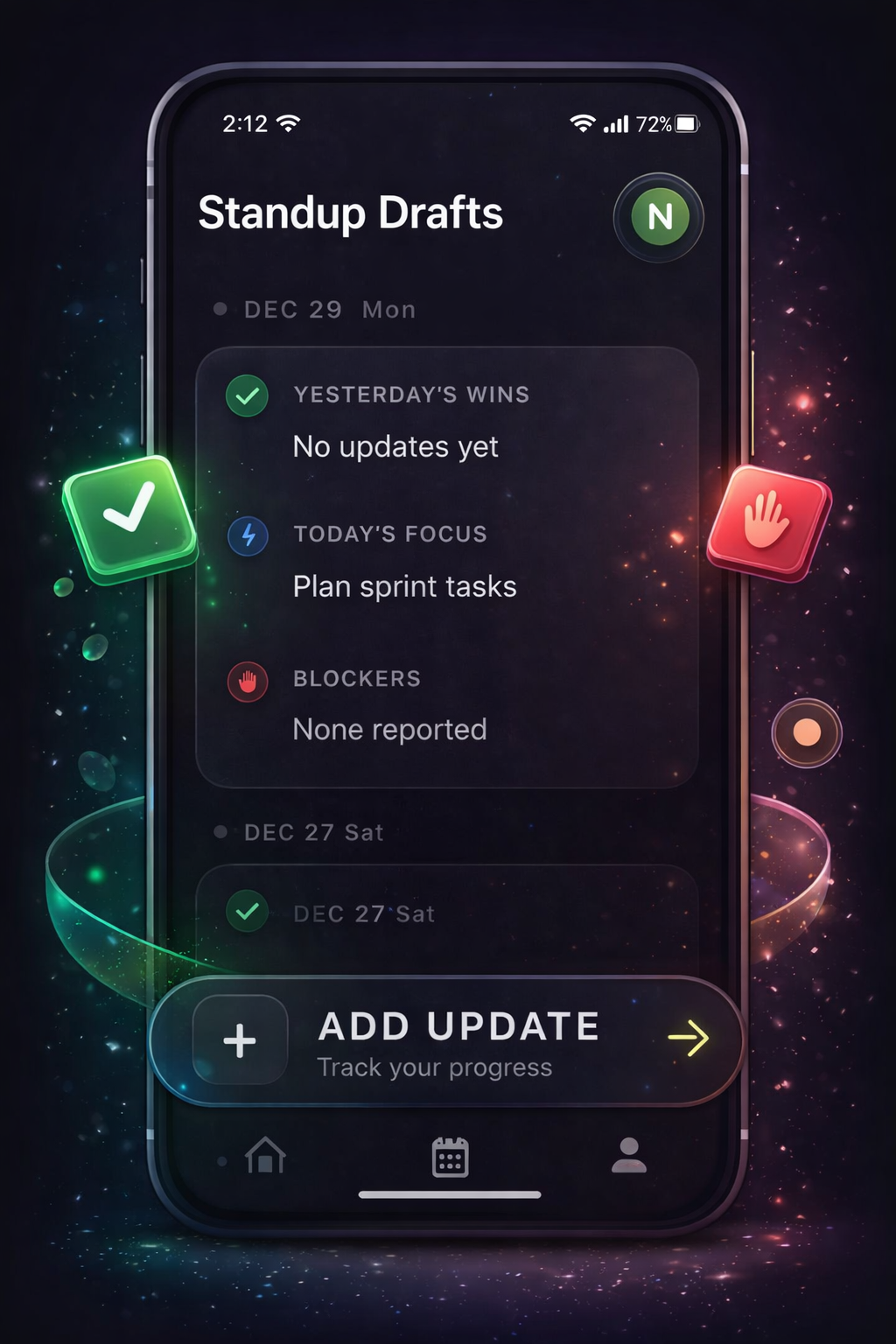
Standup Drafts connects to your calendar, pulls your meetings and tasks, and drafts a clean, professional update for you instantly.
Key Features
Smart Calendar Integration
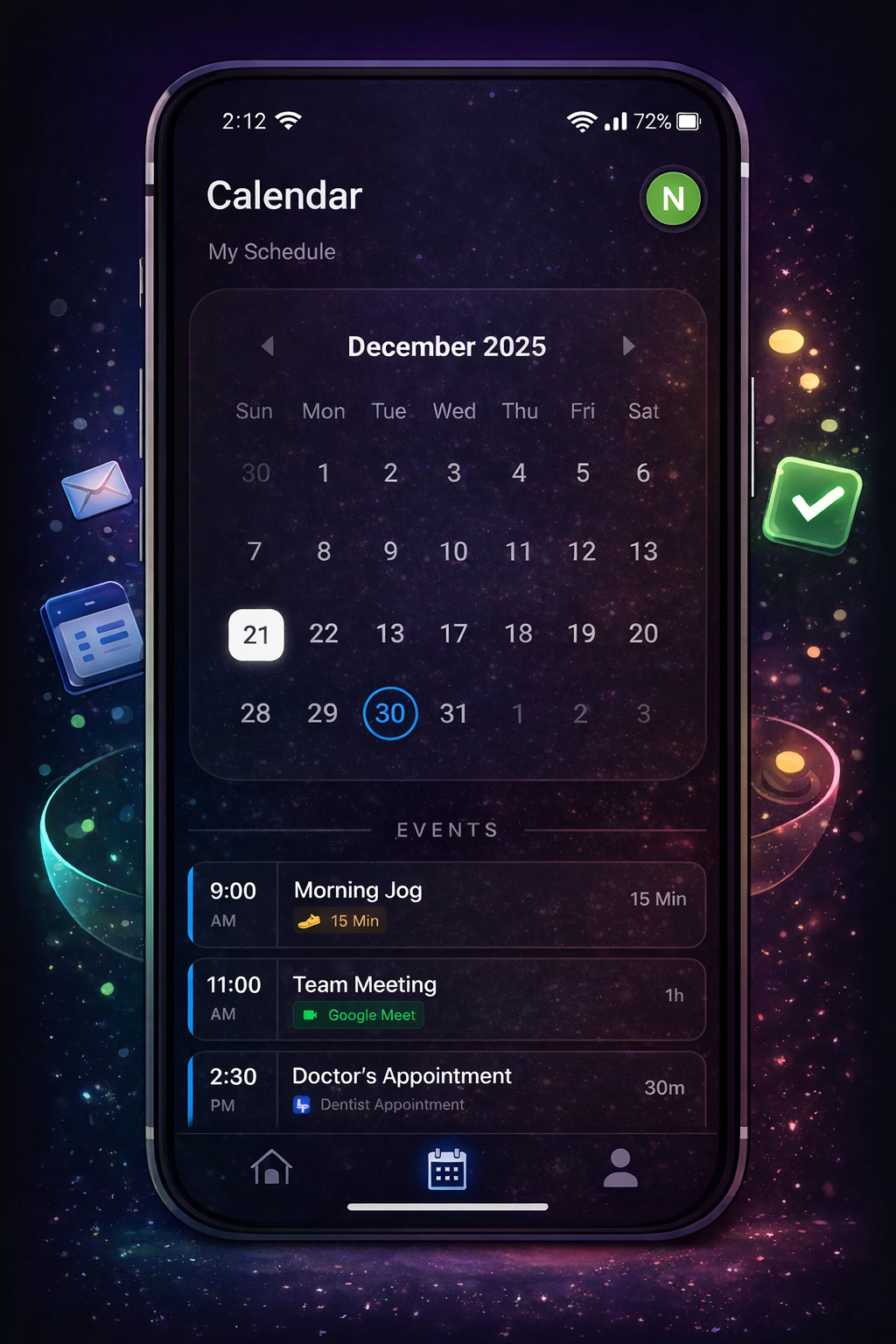
Instantly imports your calendar events. See your meetings from yesterday and today in a clean, timeline view.
Event-to-Text
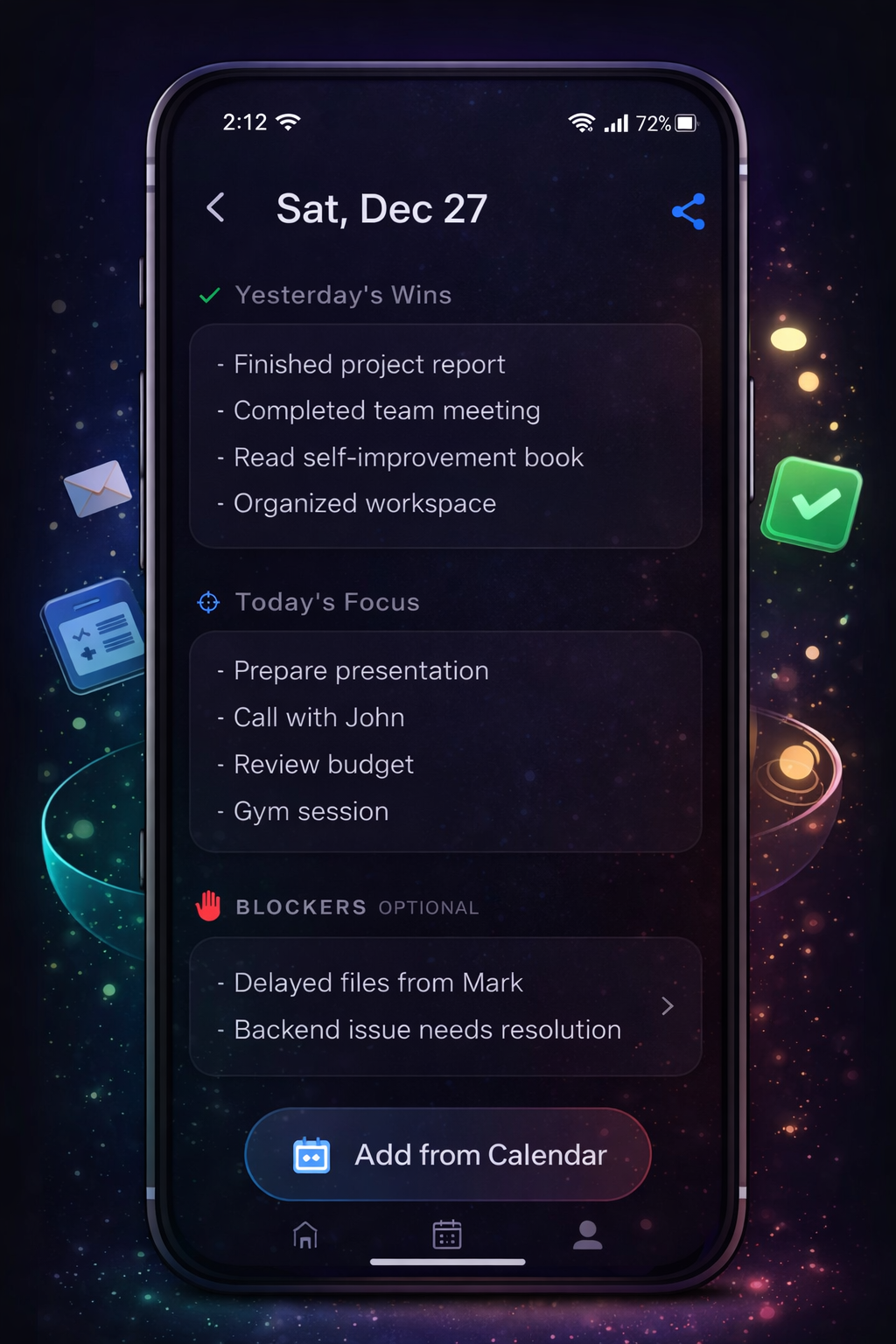
Select meetings from your timeline to instantly draft your update. Edit, refine, and add context before sharing.
Cloud Sync
Your generated text drafts are encrypted and synced securely via Supabase so you can access them on any device.
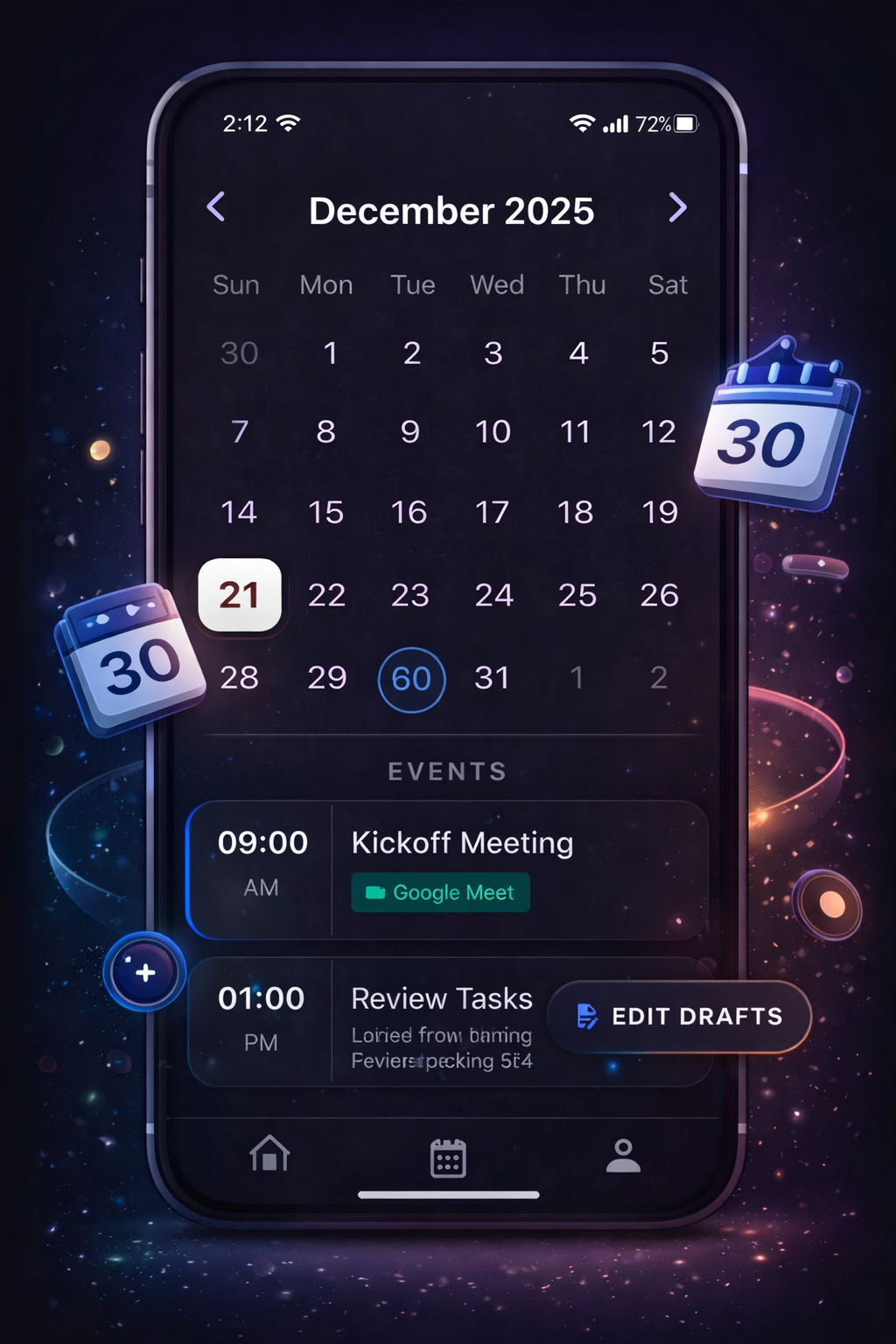
Premium Dark Mode
Designed for developers. A beautiful, high-contrast dark interface that feels at home next to your IDE.
Privacy First
We DO NOT store your raw calendar feed. Your calendar history remains private on Google's servers. We ONLY store your saved drafts.
New AI Capabilities
Our new Behavioral Analytics engine uncovers your productivity trends, highlights pacing patterns, and extracts ATS-ready Career Highlights directly from your history.
Visual Polish
Fresh themes, beautiful full-screen loading animations for AI tasks, and a new quick-guide explaining all AI features.
Quality of Life
Quick insights about your standup drafts journey.
Offline Focus
Maintain your momentum with robust offline support. Keep drafting and organizing your standups even when you're disconnected.
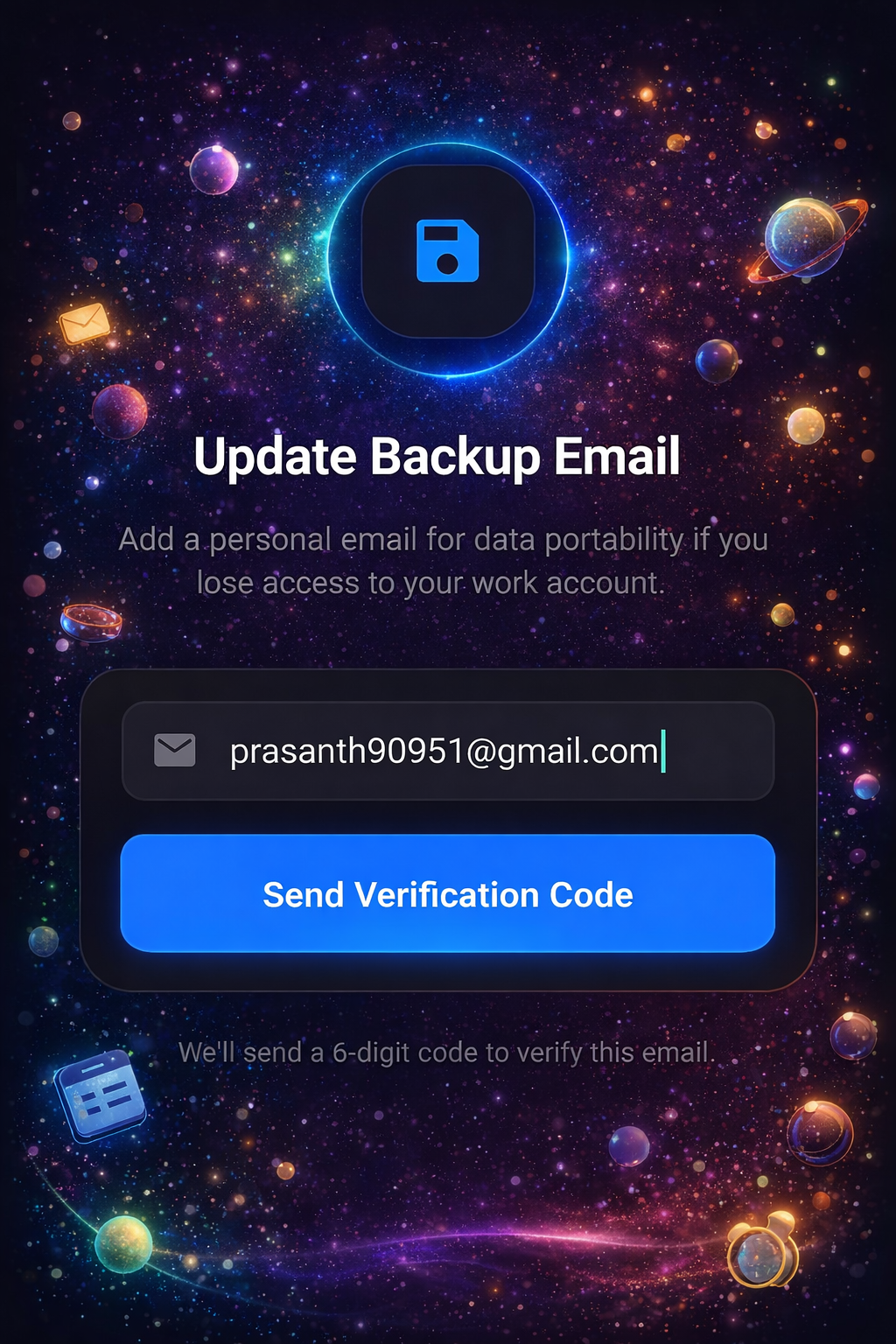
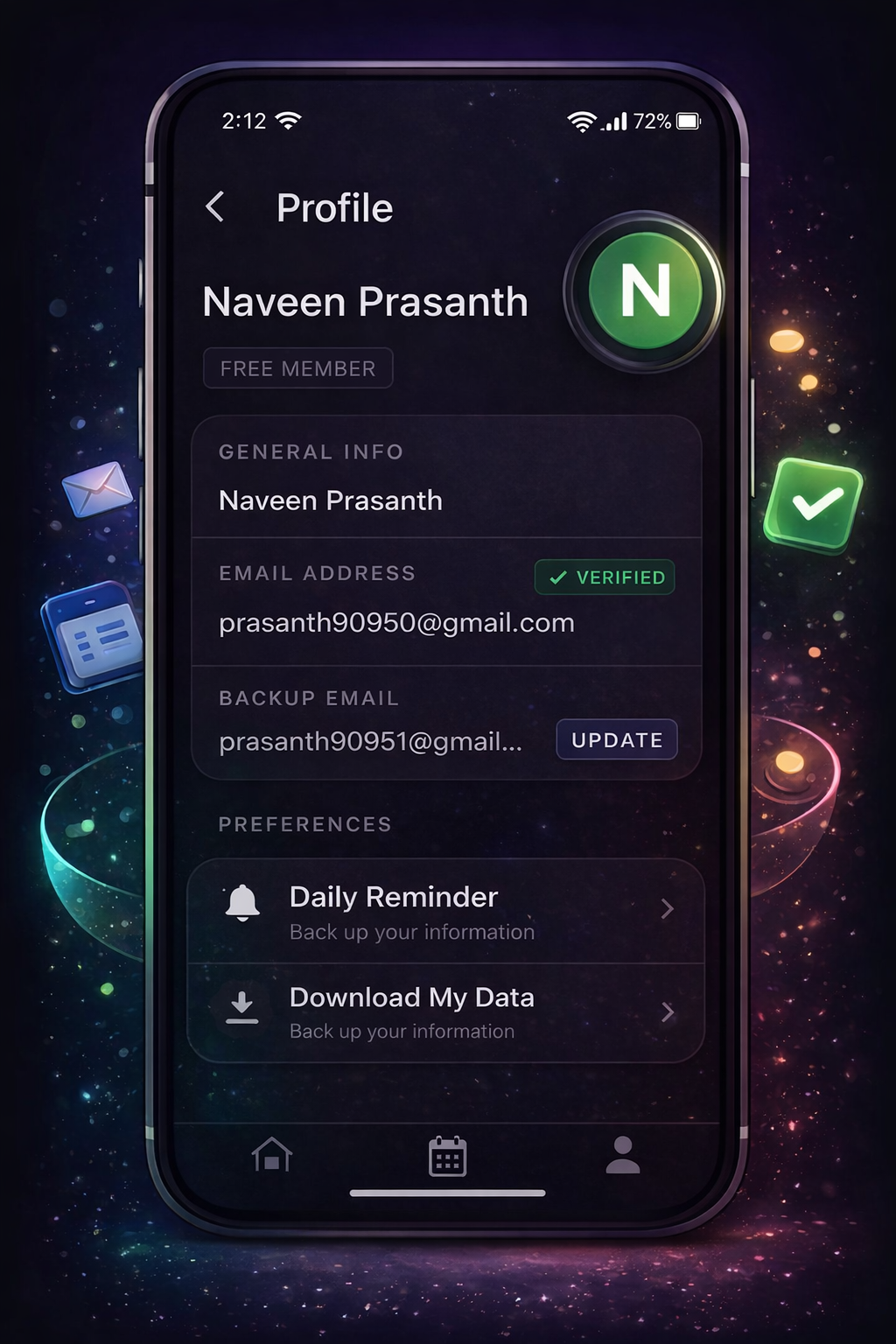
Seamless Migration
Never lose your data. Easily migrate your account to a new email address if you lose access to your company account.
How It Works
Connect
Sign in and link your preferred Calendar.
Select
Tap the meetings and tasks you completed.
Draft
Your text is generated instantly. Copy/Paste.